
Included in the core system
E-invoicing built for ZATCA Phase 2 requirements
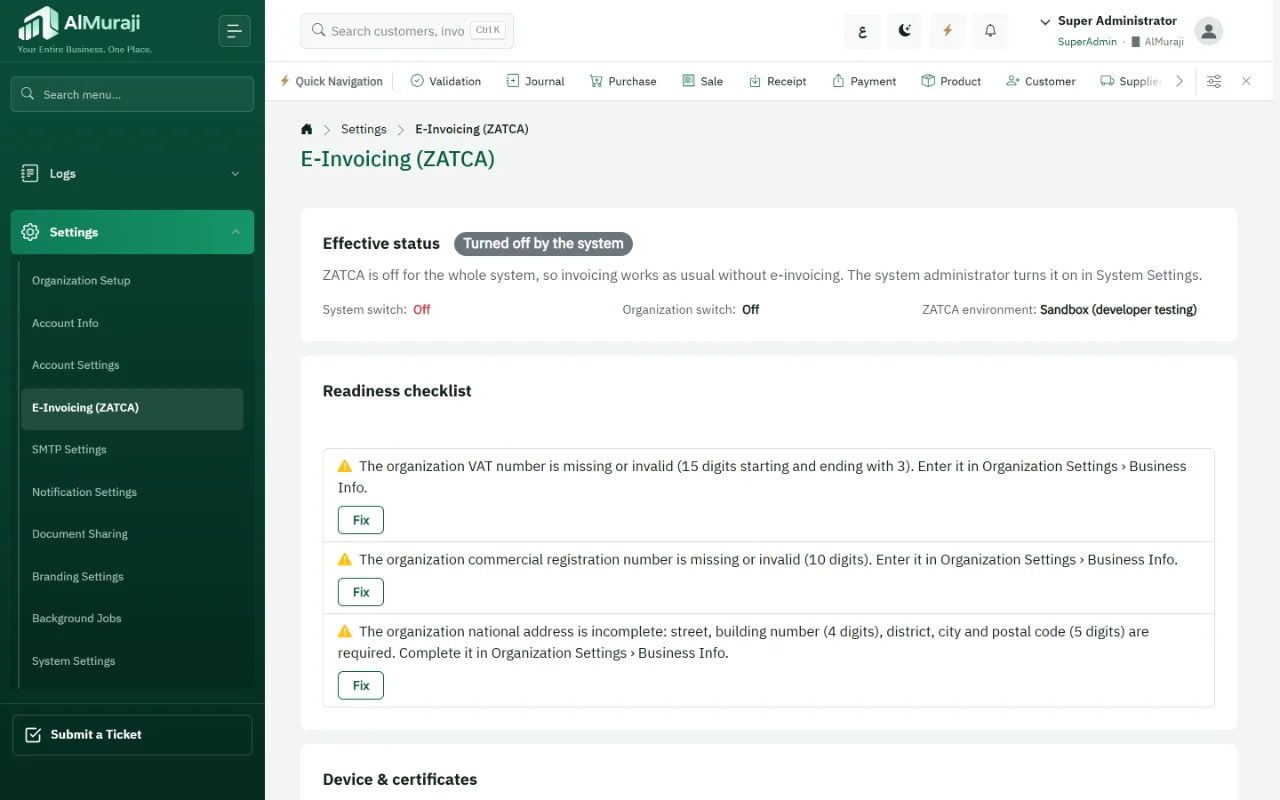
AlMuraji issues invoices as signed XML with a QR code, sends tax invoices for clearance and simplified invoices for reporting through a queue that retries automatically. The connection is activated per organization after it registers in the Fatoora portal.
What worries businesses about Phase 2
- Invoices sent before clearanceThe customer receives a tax invoice that ZATCA has not cleared yet.
- Connection outagesWhen Fatoora cannot be reached, invoicing stops or invoices get lost.
- Corrections by deletionAn issued invoice is deleted or edited instead of being corrected with the right document.
What AlMuraji does for e-invoicing
Signed XML and QR code
The signed document is generated and stored when the invoice is confirmed; retries resend the same bytes.
Clearance and reporting
Tax invoices go for clearance and simplified invoices for reporting as soon as they are confirmed.
A queue that retries
If sending fails, the invoice stays in a durable queue that retries every minute.
No printing before clearance
A tax invoice is never printed or sent to the customer before it is cleared.
Invoice type
Business customers get tax invoices and individuals simplified ones; overriding needs a permission and is logged.
Correction by credit note
An issued invoice is corrected with a credit note, and every invoice shows a clear status.
Turning on e-invoicing for your organization
- Register the organization in Fatoora
- Generate the OTP in the portal
- Enter the OTP in AlMuraji settings
- Confirm invoices as usual
- Follow each invoice's status
Platform features in e-invoicing
E-invoicing questions
Is AlMuraji approved by ZATCA?
ZATCA publishes an indicative directory of e-invoicing solution providers and states that being listed is not an approval. What matters is that a solution meets ZATCA's requirements, and AlMuraji's e-invoicing is built for the Phase 2 requirements.
What happens if Fatoora cannot be reached?
The invoice stays in a durable queue that resends the same document automatically until a response arrives, and its status shows on the sales list.
Can an invoice be edited after clearance?
No. A cleared invoice is corrected with a credit note, and it can only be voided if it was rejected.
Are older invoices sent retroactively?
No. Sending starts with invoices confirmed after the connection is activated for the organization.
See AlMuraji run operations like yours
Tell us about your business and the modules you care about, and we will arrange a demo.