
Treasury, receipt and payment voucher management
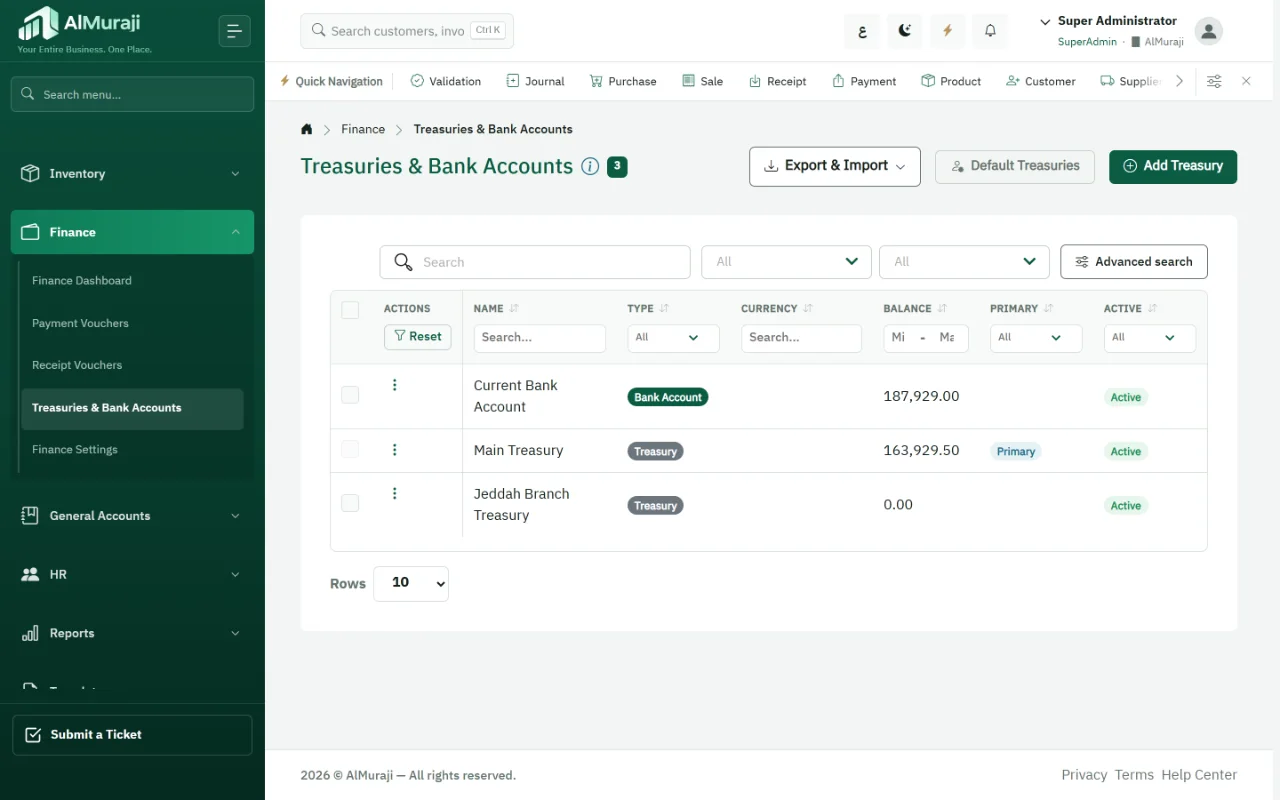
Multiple treasuries, each with its own access rules, receipt and payment vouchers posted straight to their accounts, and a finance dashboard that shows cash position and cash flow month by month.
What makes cash hard to see
- Treasuries without permissionsEvery user sees every treasury and can pay from it.
- Vouchers outside the booksPaper vouchers or spreadsheets entered into accounting later.
- Late cash flowThis month's net cash is only known after the close.
What AlMuraji gives finance
Multiple treasuries
Define treasuries and link each to its account in the chart of accounts.
Access permissions
Decide who sees each treasury and who can pay from it, with a default treasury per user.
Receipt vouchers
Receipts post directly, with search, filters and export.
Payment vouchers
Payments against the counter account, posted on save.
Import and export
Import treasuries and vouchers from Excel, and export them.
Finance dashboard
Cash position, net cash flow and cash flow by month.
How cash moves in AlMuraji
- Define treasuries and permissions
- Record a receipt or payment
- The entry posts to the books
- Follow each treasury's balance
- Review cash flow
Platform features in finance
- Reporting & dashboardsA treasuries dashboard, and cash balances on the main dashboard and in the executive app.
- Security & administrationAccess permissions per treasury, and an "own records only" scope for vouchers.
- Automation & follow-upIn-app reconciliation alerts.
- Easy onboarding & migrationImport customer and supplier payments and vouchers from Excel.
Finance questions
Can a user be stopped from paying out of a treasury?
Yes. Access is set per treasury, so users only see the treasuries they are allowed to use.
Do vouchers post automatically?
Yes. A receipt or payment voucher creates its entry in the treasury account and the counter account.
Where do I see cash flow?
On the finance dashboard and in the cash flow report, by month and net for the period.
See AlMuraji run operations like yours
Tell us about your business and the modules you care about, and we will arrange a demo.